Google updates: what to do if your traffic drops

One Monday you open Google Analytics and visits from Google have halved. Nobody touched the site. The first thing to know is that it isn't always a Google update, and when it is, a rushed reaction usually makes things worse.
This guide covers how to work out what happened and what to do in each case.
What Google updates are
Google changes how it ranks results all the time. Most changes are small and nobody notices. Several times a year it makes big changes and announces them:
- Core updates: change how Google judges the quality and usefulness of pages in general. They take about two weeks to roll out.
- Spam updates: target bought links, low-value automated content and other practices that break its rules.
- Reviews, helpful content and other targeted updates, which Google has gradually folded into core updates.
Google posts start and end dates on its Google Search Status Dashboard.
Step 1: rule out what isn't an update
Before blaming Google, check the things you control. Many drops come from:
- A change on the site: a redesign, a platform switch, new URLs without redirects (see how to migrate a website without losing rankings).
- A
noindexor robots.txt rule left on by mistake (see sitemap and robots.txt). - A tracking problem: the Analytics tag was removed or duplicated. Compare with Search Console: if clicks there are unchanged, it's a measurement issue, not Google.
- Seasonality: compare with the same period last year, not last month.
- A manual action: in Search Console under Security & Manual Actions. If there is one, Google tells you why.
Step 2: check whether it lines up with an update
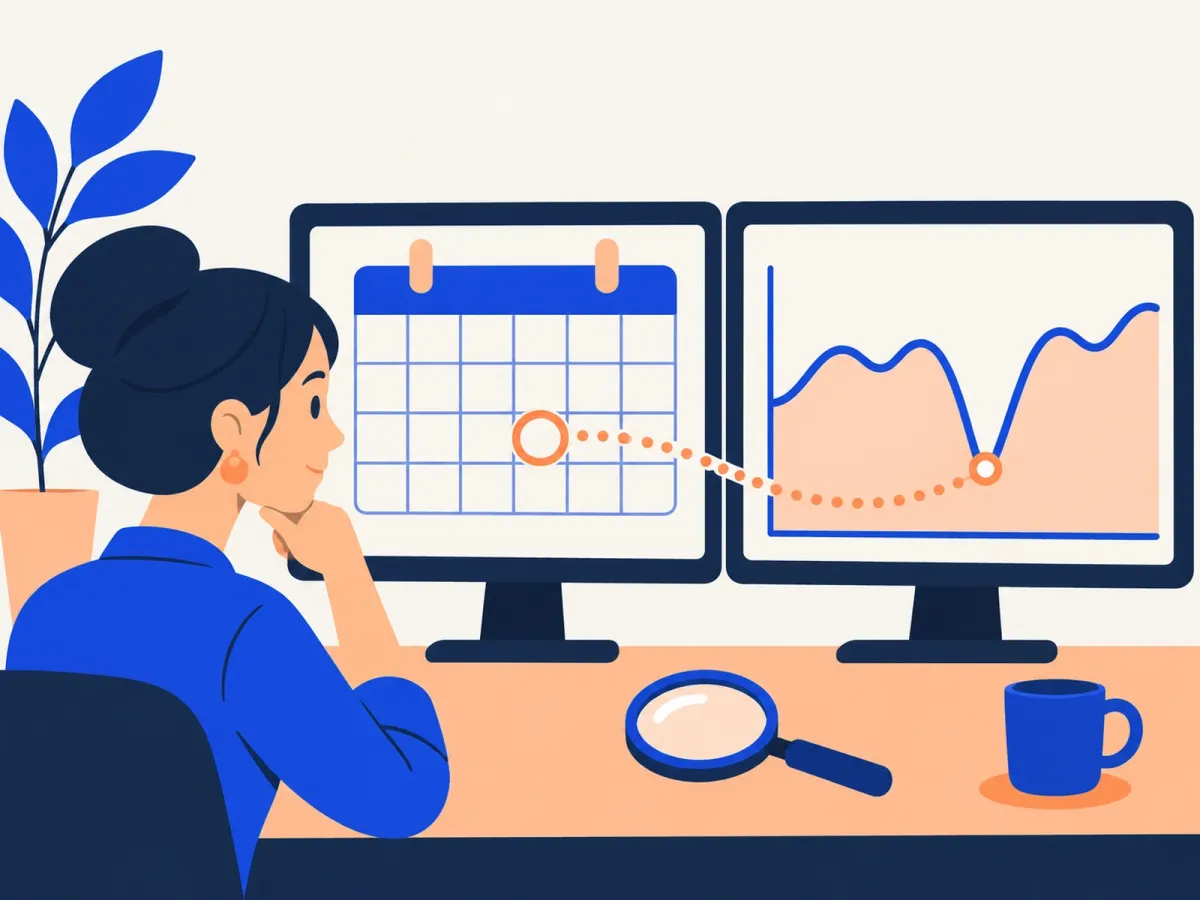
In Google Search Console, open Performance and look at clicks day by day. Find the date the drop started and compare it with the dates on Google's status dashboard.
If the drop started during an update, wait for it to finish and another week to pass before drawing conclusions. Rankings bounce around during a rollout, and what you see on day three isn't always the final result.
Step 3: find what you lost
A drop is rarely even. Compare the period after the update with an equally long period before it, and check:
- By page: did the whole site drop, or a handful of pages? Are they blog posts, service pages, product pages?
- By query: did you lose brand searches or commercial searches? Did your position drop, or only your clicks?
- By search type: sometimes your position holds, but Google starts showing an AI summary or more ads above you, and clicks fall anyway.
To dig into this calmly, pull the data into a sheet: we explain how in how to connect Search Console to Google Sheets.
Then search those queries on Google and see which pages beat you. Ask yourself honestly why Google prefers them: do they answer better, show more first-hand experience, cover more, or work better on a phone?
Step 4: what to do to recover

There's no technical trick to undo a core update. Google describes it as a fresh assessment of which pages are most helpful. What works is improving the pages that lost out:
- Answer better than whoever beat you: with concrete figures, real examples, your own photos and direct answers up front, not with more words.
- Show who wrote it and why they know: an author with real experience, your own cases, data from your business.
- Merge or remove weak pages: old, thin or repetitive articles drag down the whole site. Merge them into one better page with a 301 redirect (see duplicate content).
- Check the mobile experience: intrusive ads, pop-ups and page speed.
- If the drop lines up with a spam update, review your links: if someone bought links for your site, stop buying them and remove what you can.
How long recovery takes
It depends on the problem:
- Technical errors (noindex, robots.txt, redirects): days or weeks after fixing them.
- Core updates: full recovery often shows at the next core update, months later, if the site has genuinely improved in the meantime.
- Manual actions: after fixing the issue and filing a reconsideration request in Search Console.
Common mistakes
- Rewriting titles, copy and structure across the whole site a week after the drop, without knowing what was lost.
- Deleting content without redirecting it.
- Buying links to "make up for it".
- Looking only at Analytics and not at Search Console.
- Comparing with last month instead of the same period last year.
Frequently asked questions
Did Google penalize my site?
In a core update, there's no penalty: Google reassessed every page and found others more helpful. Only manual actions are penalties, and they show up in Search Console.
Should I wait or act right away?
Wait for the update to finish and another week to pass. If the problem is technical, fix it immediately. If it's about quality, improve things with a plan, not blindly.
Can an update also raise my traffic?
Yes. The same updates lift sites Google considers more helpful. That's why it pays to improve your content even if you haven't dropped.
Is disavowing links worth it?
Only in specific cases, such as when someone bought low-quality links and Google applied a manual action. For most sites, Google ignores spam links on its own.
Did your Google traffic drop and you don't know why?
In our SEO audit we go through your Search Console, find which pages and searches you lost, and hand you a prioritized plan to recover them. See our prices or get in touch.
Rather talk first? Book a free video call or price your project.
Keep reading
 Online Marketing · November 19, 2026Sitemap and robots.txt: what they are and how to set them upWhat an XML sitemap is, what robots.txt does, how to check both, how to submit them to Google and Bing, and the mistakes that keep pages out of Google.
 Online Marketing · November 15, 2026Duplicate content: what it is and how to fix it with canonical tagsWhat duplicate content is, why it confuses Google, how to find it in Search Console, and when to use a canonical tag, a 301 redirect or noindex.
 Online Marketing · November 15, 2026How to connect Google Search Console to Google SheetsThree ways to get Search Console data into Google Sheets: export it, use an add-on or use the API. Plus the analyses worth running once it's there.