Internal links: how to connect your website's pages for SEO

Think of your website as a town. The home page is the main square, your services are the main streets and your articles are the houses. Internal links are the paths between them. If a house has no path, nobody gets there: not your customers, and not Google.
Internal links are one of the most underrated SEO tools. They cost nothing, they're entirely in your hands, and they can get a page nobody was finding to start showing up.
What an internal link is
It's a link from one page on your site to another page on the same site. For example, an article about reviews that links to your local SEO service page. Links that come from other sites are called external links or backlinks; we cover those in link building.
Why they matter for SEO
- Google discovers pages by following links. A page with no links pointing to it can take a long time to get indexed, or never get indexed at all.
- They spread importance. Pages that get more internal links, especially from strong pages like the home page, tell Google which pages matter most.
- They add context. The link text tells Google what the destination page is about.
- They guide people. A good link takes the reader to the next step: from the article to the service, from the service to getting in touch.
1. A clear structure
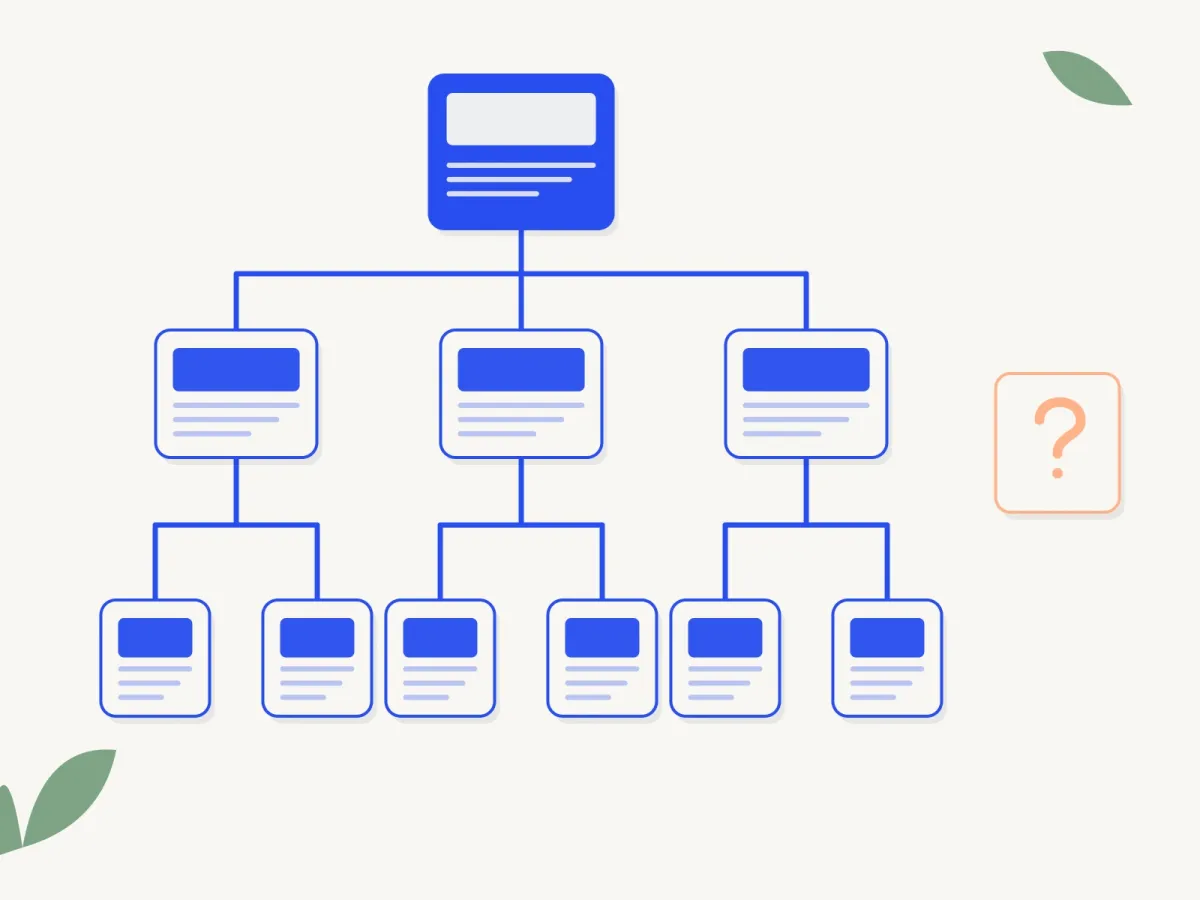
A good site looks like a tree:
- Home at the top.
- Main sections (services, products, blog) on the second level.
- Specific pages (each service, each article) below.
As a rule of thumb, any important page should be three clicks or fewer from the home page. If reaching a service takes five pages, Google and your customers will treat it as unimportant.
2. Orphan pages: the ones nobody links to
An orphan page exists but gets no internal links, like the loose page in the diagram. It happens more often than you'd think: old campaign pages, services added without updating the menu, articles that were never linked from anywhere.
How to find them:
- Compare the pages in your sitemap with the ones a crawl of your site finds (tools like Screaming Frog do this free for up to 500 pages).
- In Search Console, check pages marked "Discovered, currently not indexed": they're often orphans. We explain it in why Google isn't indexing my pages.
What to do: if the page is useful, link to it from related pages. If it isn't, remove it or redirect it.
3. Anchor text
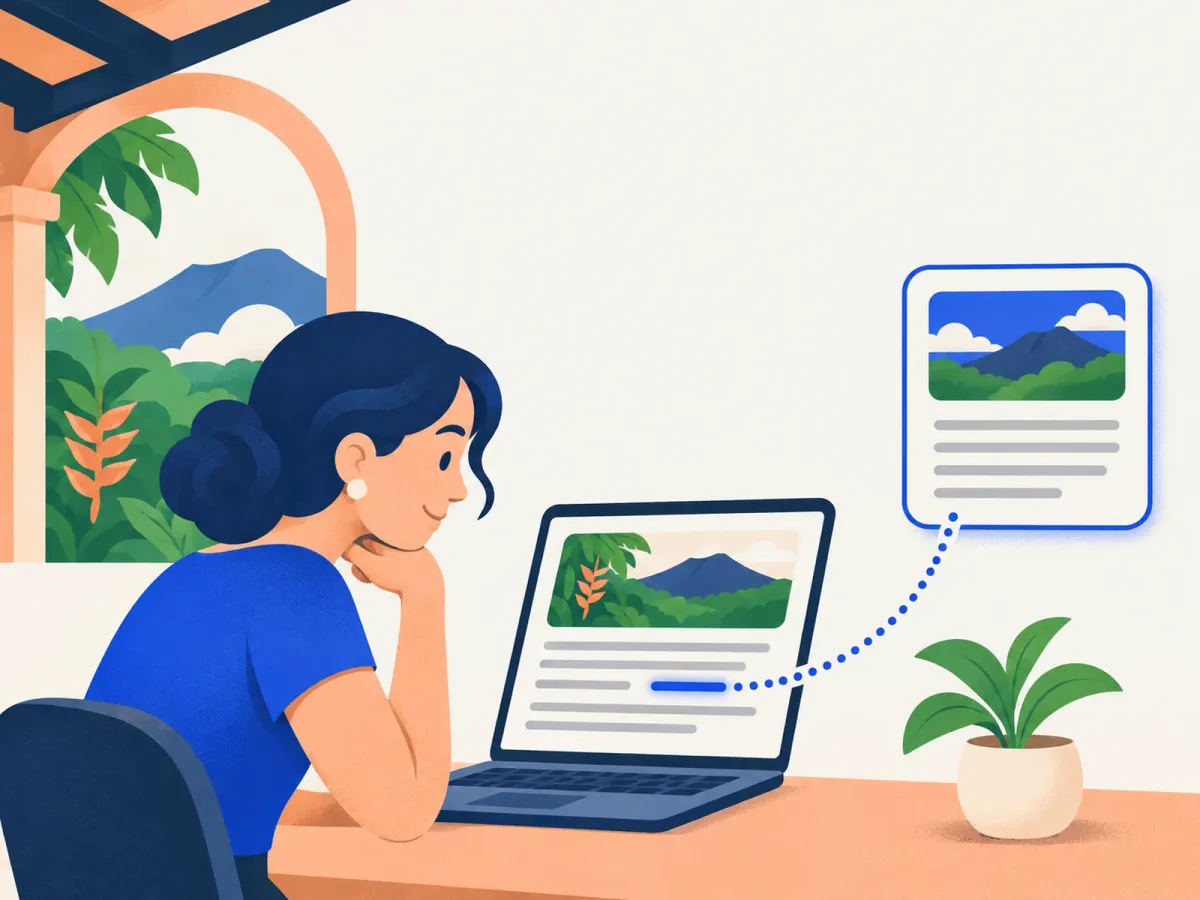
The clickable text (the "anchor text") is one of the clearest signals Google gets.
- Descriptive: "see our local SEO service" is far better than "click here".
- Natural: it should read well within the sentence.
- Varied: you don't need the exact same phrase every time you link to the same page.
- Honest: the text should describe what's on the other side.
Avoid "read more", "here" or "this article" as the main link text: they tell nobody anything.
4. Links within your content
Menu and footer links help, but links within the text usually carry more weight, because they come with context.
- When an article mentions a topic that has its own page, link it the first time it comes up.
- Every blog post should link to the related service: that's the path from information to purchase.
- Service pages can link to the articles that answer people's questions before they buy.
- Don't overdo it: a few useful links per article are worth more than twenty.
5. Topic clusters
An effective way to organize links is by topic:
- One main page on a broad topic ("local SEO").
- Several articles on specific aspects (the Business Profile, reviews, local links).
- Every article links to the main page, and the main page links to every article.
That way Google understands your site covers the topic in depth. We put it into practice in niche content.
6. Common mistakes
- Broken links to pages that no longer exist (404 errors). Check after every major change to your site.
- Links to URLs that redirect: they work, but it's better to point straight at the final URL.
- Huge menus with 100 links on every page: they dilute the importance of everything.
- Links that only work with JavaScript, or inside buttons Google can't follow.
- Same text, different destinations: using "local SEO" to link to five different pages is confusing.
A 30-minute review
- List your 5 most important pages (the ones that bring in customers).
- Check how many internal links each one gets, and from where.
- Find the articles on your site that cover those topics and add a link with descriptive text.
- Make sure the home page links directly to those 5 pages.
- Look for orphan pages and decide whether to link, remove or redirect them.
Frequently asked questions
How many internal links should a page have?
There's no magic number. A medium-length article usually has between 3 and 10 useful links. What matters is that each one helps the reader.
Should internal links open in a new tab?
There's no need. For links within your own site, opening in the same tab is the norm.
Do footer links count?
They help Google discover pages, but they carry less weight than a link within related text.
What happens to internal links if I change a page's URL?
Redirect the old URL, and also update your internal links to point at the new one. See how to switch websites without losing rankings.
Want to get your site in order?
In our Technical SEO & content plan we work on internal links so your important pages get the strength they need. See our prices or start with an SEO audit.
Rather talk first? Book a free video call or price your project.
Keep reading
 Online Marketing · November 12, 2026How to optimize images for SEO: size, format and alt textHow to optimize your website's images: size and file weight, WebP, file names, alt text and lazy loading, so pages load fast and show up on Google.
 Online Marketing · November 10, 2026SEO and social media: how they work togetherIf you're already on Instagram or Facebook, do you need SEO? The differences between social media and SEO, what each one does best and how to make them work together.
 Online Marketing · November 10, 2026Why Google isn't indexing my pages (and how to fix it)What Search Console's reasons mean (404, blocked by robots.txt, crawled but not indexed, canonical, noindex), which ones need fixing and which are perfectly normal.