My business isn't showing on Google Maps: causes and fixes
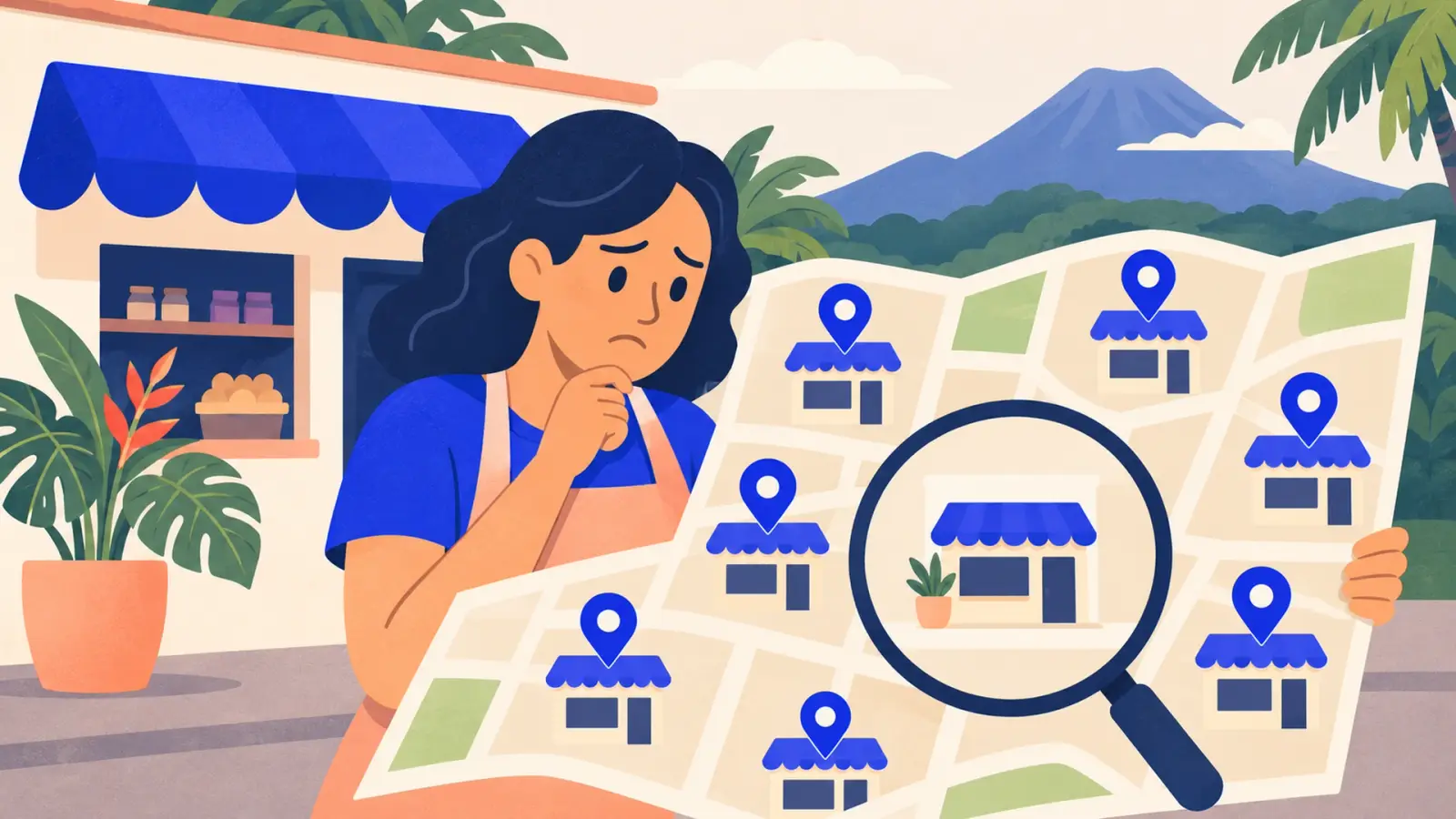
You search for your own business on Google Maps and it isn't there. Or it shows up when you type the exact name, but not when someone two blocks away searches for "bakery near me". It's one of the questions we hear most often, and it almost always has a concrete cause.
First, figure out which of the two problems you have:
- It doesn't show up even for your exact name: the problem is the profile itself (it doesn't exist, isn't verified or is suspended).
- It shows up for your name, but not for general searches ("dentist in Curridabat"): the profile exists, but Google doesn't consider it as relevant or prominent as others.
If it doesn't show up even for your name
1. The profile doesn't exist or isn't verified
Go to business.google.com with the account that manages the business. If the profile says "unverified" or "verification pending", complete verification (video, call, email or postcard, whichever Google offers). An unverified profile may not be shown. The full walkthrough is in our Google Business Profile guide.
2. The profile is suspended
Google suspends profiles that break its guidelines. The most common causes:
- Keywords in the name ("Mora's Garage – body work and paint Heredia").
- An address where you don't serve customers: a virtual office, PO box or coworking space with no real presence.
- Several profiles for the same business and location.
- Sudden changes to the name, address or category.
If it's suspended, Google usually shows a notice in the dashboard. Fix whatever breaks the guidelines and submit a reinstatement request with evidence (photos of your sign and premises, business documents).
3. You're searching from another account or area
Try an incognito window and a different phone. Sometimes the profile does exist, but you see things differently because you're signed in.
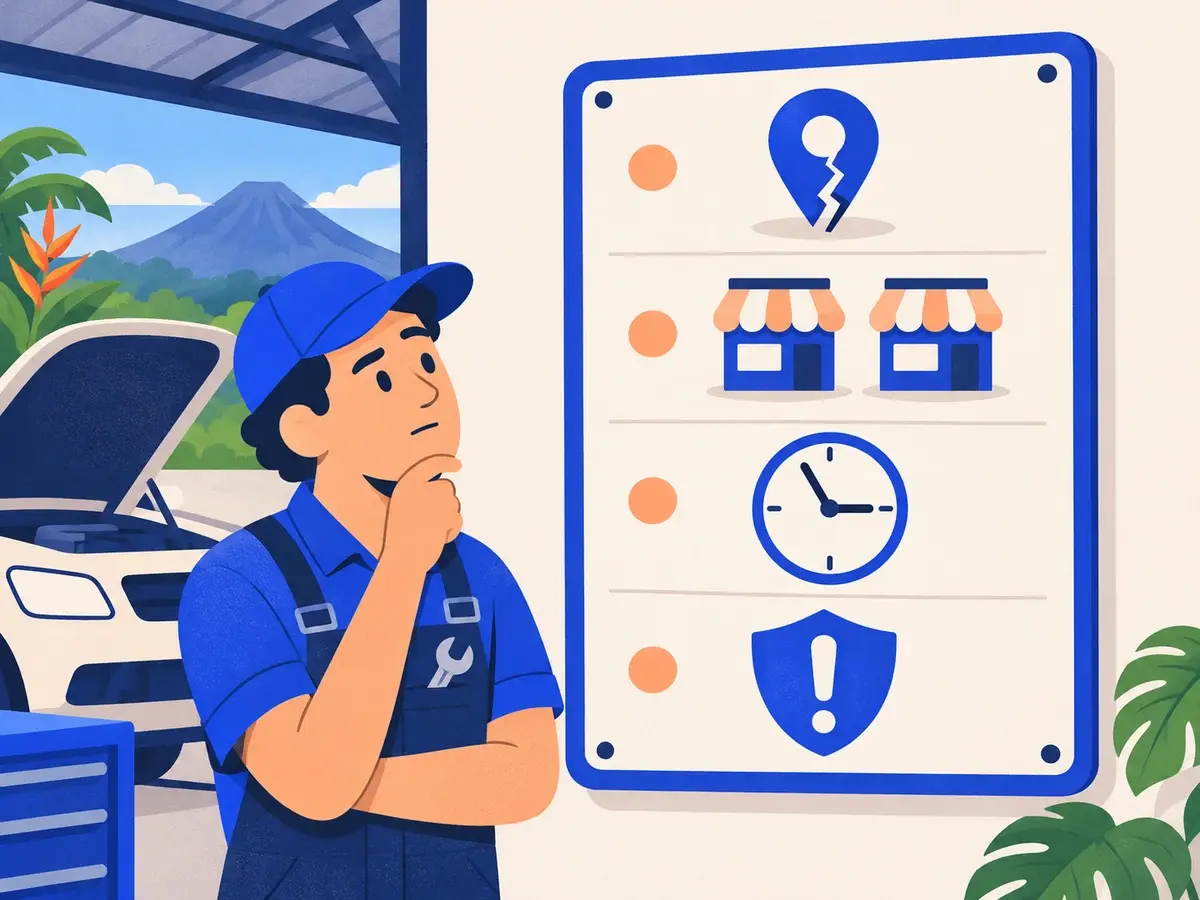
If it shows up for your name but not in general searches
4. The category doesn't match
If your primary category is "Store" and people search for "hardware store", Google won't connect the two. Choose the category that describes what your business is, and add secondary categories only if they apply.
5. The pin is in the wrong place
A pin on the wrong street, or in the middle of the canton instead of on your premises, makes Google miscalculate distance. Move the pin in your profile so it sits exactly on your entrance.
6. You're a service-area business
If you hid your address because you serve customers at their homes, Google shows you less often in nearby searches than a business with a visible address. Make sure your service areas are set up correctly and strengthen your other signals.
7. There are duplicate profiles
An old listing created by a customer or a former employee can split your reviews and confuse Google. Search for your business name and variations; if there are duplicates, claim them or ask Google to merge or remove them.
8. You lack prominence compared with competitors
Google ranks map results by relevance, distance and prominence. If nearby businesses have more reviews, more photos, more complete information and more mentions on other sites, they'll show first. The fix is working on those signals:
- Steady, answered reviews.
- Your own, up-to-date photos.
- Complete services, hours and attributes.
- Identical details on your site, social media and directories, plus local mentions.
- A website with a clear page for each service.
9. The profile is new
A newly verified profile can take time to gain visibility. Complete all the information and build up reviews in the meantime.
10. You're searching far from your business
Google favors proximity to the person searching. If you search for "bakery" from another province, it's normal not to see yourself. To show up in searches for other areas, work on organic results with pages on your website.
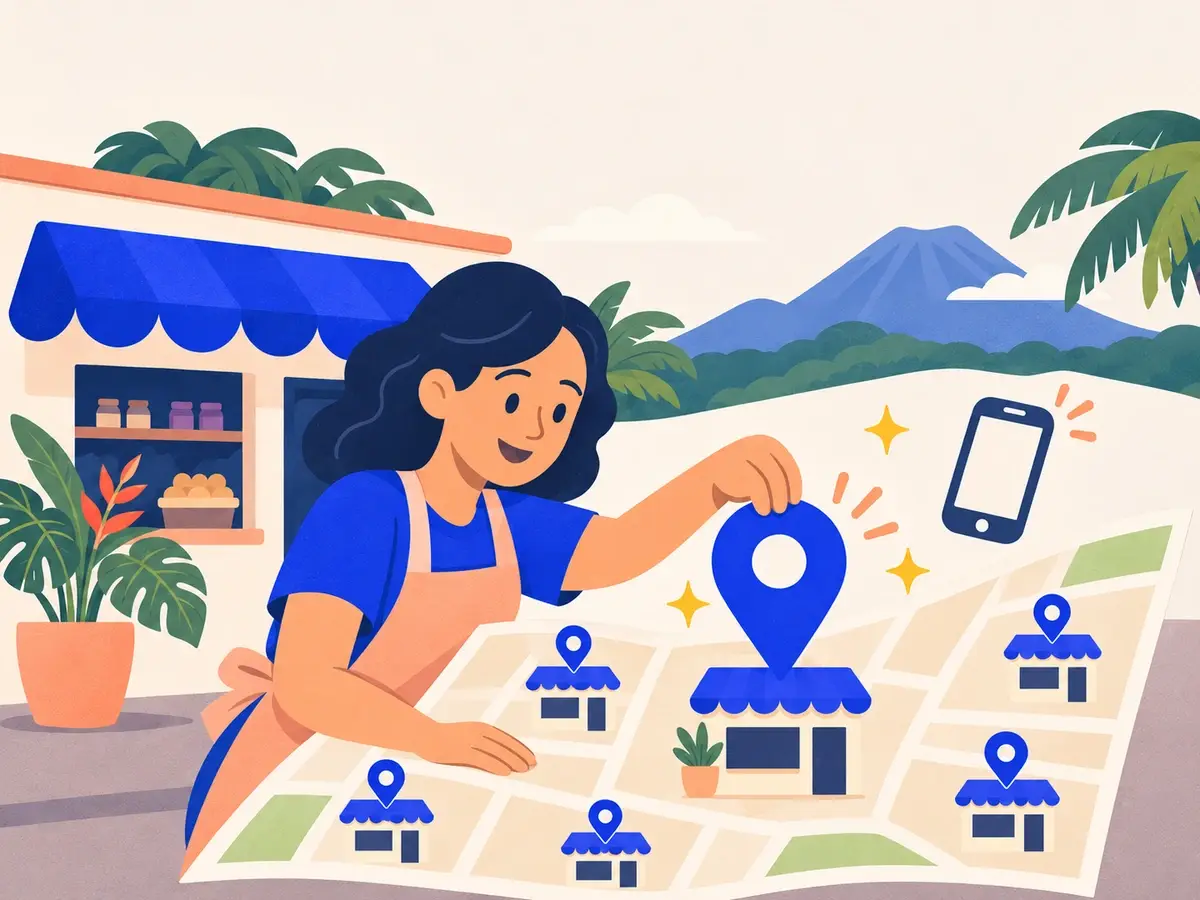
A 10-minute check
- Is the profile verified, with no suspension notices?
- Is the name exactly what's on your sign, with nothing added?
- Is the primary category correct?
- Is the pin on your entrance?
- Are there duplicate profiles?
- Are hours, services, photos and attributes complete?
- Are you getting new reviews every month?
Frequently asked questions
How long does a new profile take to appear?
After verification, it usually appears in searches for its name within a few days. Showing up for general searches depends on the competition and can take longer.
Will paying for ads help me appear in the organic map results?
No. Google Maps ads are separate and don't improve your organic position.
Google changed details on my profile without telling me. Is that normal?
Yes. Google can apply suggestions from users or data from other sources. Check your profile once a month and correct anything that's wrong.
Need help with your profile?
We review your profile, fix what's holding it back and work on your local signals in our Local SEO plan. See our prices or tell us what's happening.
Rather talk first? Book a free video call or price your project.
Keep reading
 SEO in Costa Rica · November 4, 2026SEO for home services: plumbers, electricians, painters and buildersHow a plumber, electrician, painter, builder or technician in Costa Rica can win customers from Google: a service-area profile, reviews, service pages and photos of real jobs.
 SEO in Costa Rica · November 3, 2026SEO for real estate agencies in Costa RicaHow a real estate agency or agent in Costa Rica can attract buyers and renters from Google: area pages, property listings, buyer guides and international clients.
 SEO in Costa Rica · November 2, 2026SEO for lawyers, accountants and professional services in Costa RicaHow a law firm, accounting practice, architecture studio or other professional service in Costa Rica can win clients from Google: service pages, trust, content and local presence.