Google Business Profile: a step-by-step guide for businesses in Costa Rica
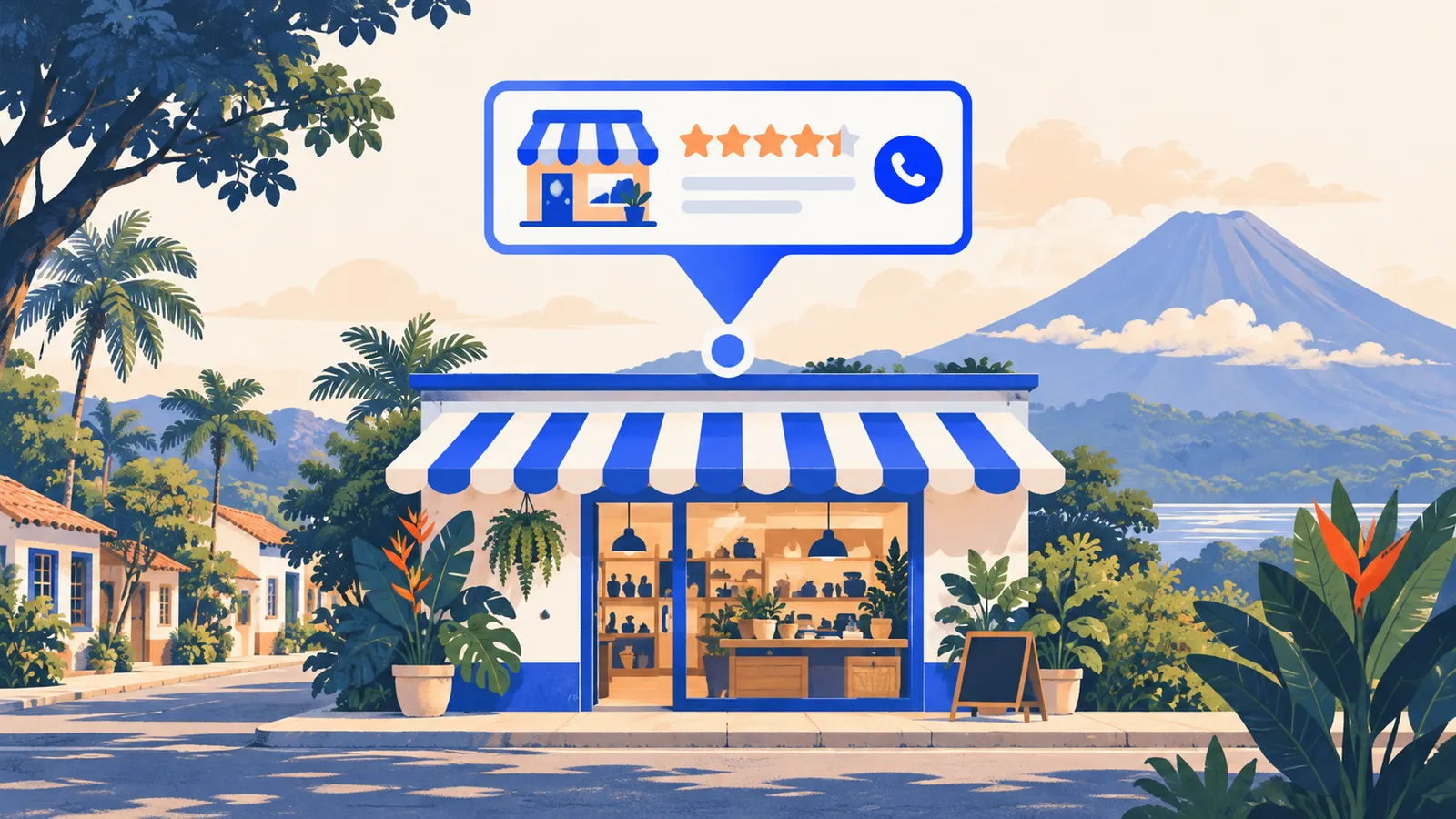
When someone searches for "hardware store in Heredia" or "vet open now", Google usually shows a map with three businesses before anything else. Those results don't come from your website. They come from your Google Business Profile (formerly Google My Business). For any business that serves customers in an area, it's probably the most-viewed piece of your online presence.
This guide walks you through creating, verifying and completing your profile, with the quirks of doing it in Costa Rica: addresses without street numbers, holiday hours and customers who search in both Spanish and English.
Who needs a Business Profile?
Any business with face-to-face contact with customers:
- With a location: shops, restaurants, clinics, workshops, hotels, offices that receive visitors.
- Service-area businesses: plumbers, electricians, pest control, cleaning or transport services. These can hide their address and show the areas they serve instead.
If your business is purely online and never meets customers in person, Google won't let you create a profile. In that case, focus on your website (see our technical SEO guide).
Step 1: check whether a profile already exists
Search for your business name on Google Maps first. It's common for a listing to exist already, created by a customer or by Google from public data. If it shows up, use "Own this business?" to claim it. Creating a second listing for the same location causes duplicates, and Google can suspend both.
Step 2: create or claim the profile
Go to business.google.com with the Google account that will manage the business. Use a company account rather than an employee's personal one: if that person leaves, access leaves with them. You can add other managers later.
Google will ask for:
- Business name: the real name, exactly as on your sign. Adding keywords ("La Esquina Bakery – artisan bread Cartago") breaks the rules and is a common reason for suspension.
- Primary category: what your business is, not everything it does. A dental clinic is "Dentist", even if it also sells toothbrushes.
- Location or service area.
- Phone number and website.
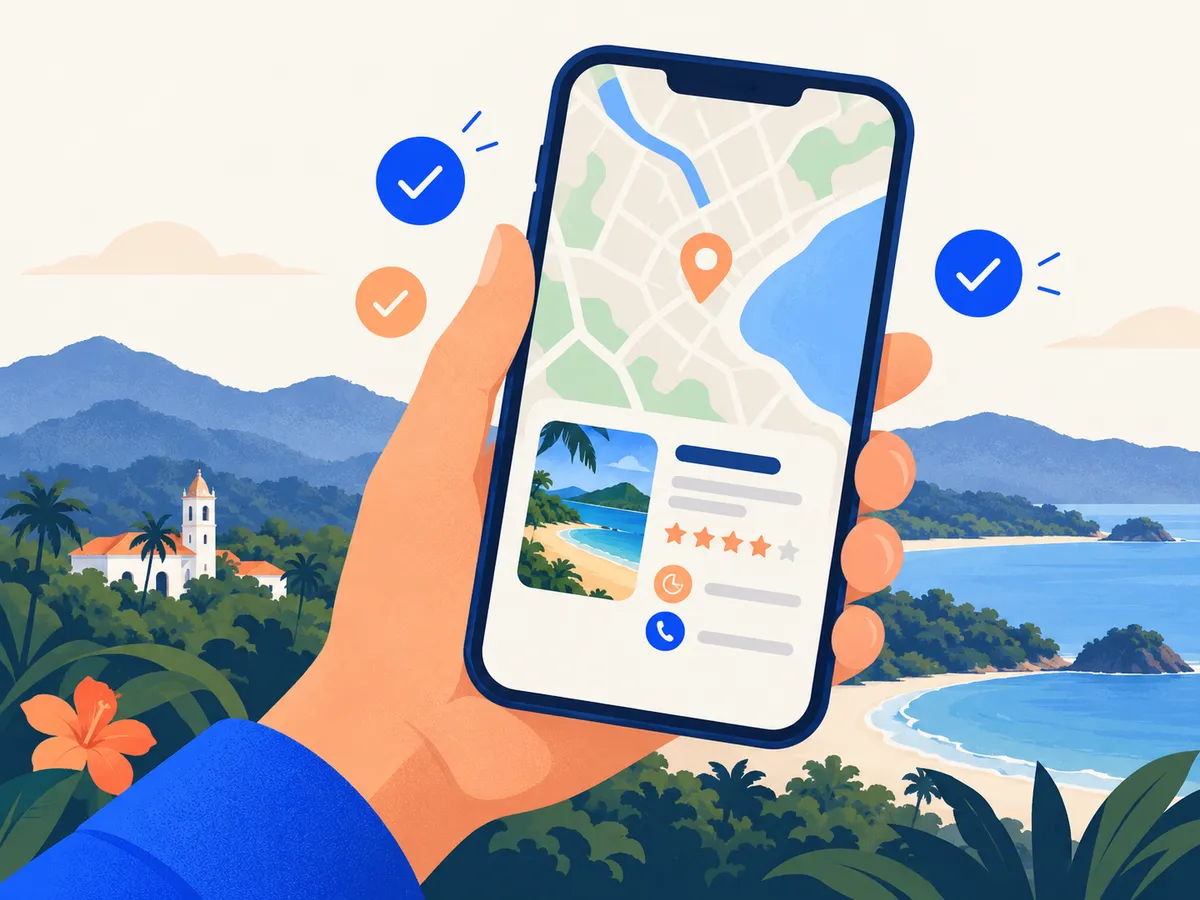
Step 3: getting the address right in Costa Rica
Costa Rican addresses ("200 meters north of the church") don't always fit standard forms. What works:
- Place the pin manually on the map, right on your entrance. It's what matters most for showing up in nearby searches.
- Use the correct province, canton and district, and add a short, stable landmark reference.
- Use exactly the same address and phone number on your website, Facebook, Waze and directories. Inconsistencies confuse both Google and customers. More on this in local links and citations.
Step 4: verification
Google needs to confirm that the business exists and that you manage it. Depending on the business, it will offer one or more methods: a short video of the premises, a call or text, an email or a postcard. You don't get to choose freely; Google decides case by case.
Video is the most common today. Prepare it well: show the outside sign, the street or a landmark, the inside with your equipment or products, and something that proves you run it (opening the till, the office, a work tool). One continuous take, no editing.
Step 5: complete everything
A verified but empty profile does little. Fill in:
- Hours, including special hours for public holidays and Easter week. Few things cause worse reviews than arriving to find the place closed.
- Secondary categories, only the ones that genuinely apply.
- Services or products, with short descriptions and, if you like, prices.
- Description: what you do, for whom and where. No promotions or links.
- Attributes: wheelchair access, Wi-Fi, payment methods such as SINPE Móvil, and whether English is spoken. That last one matters a lot if you serve tourists or expats.
- Real photos.
Step 6: photos that work for you
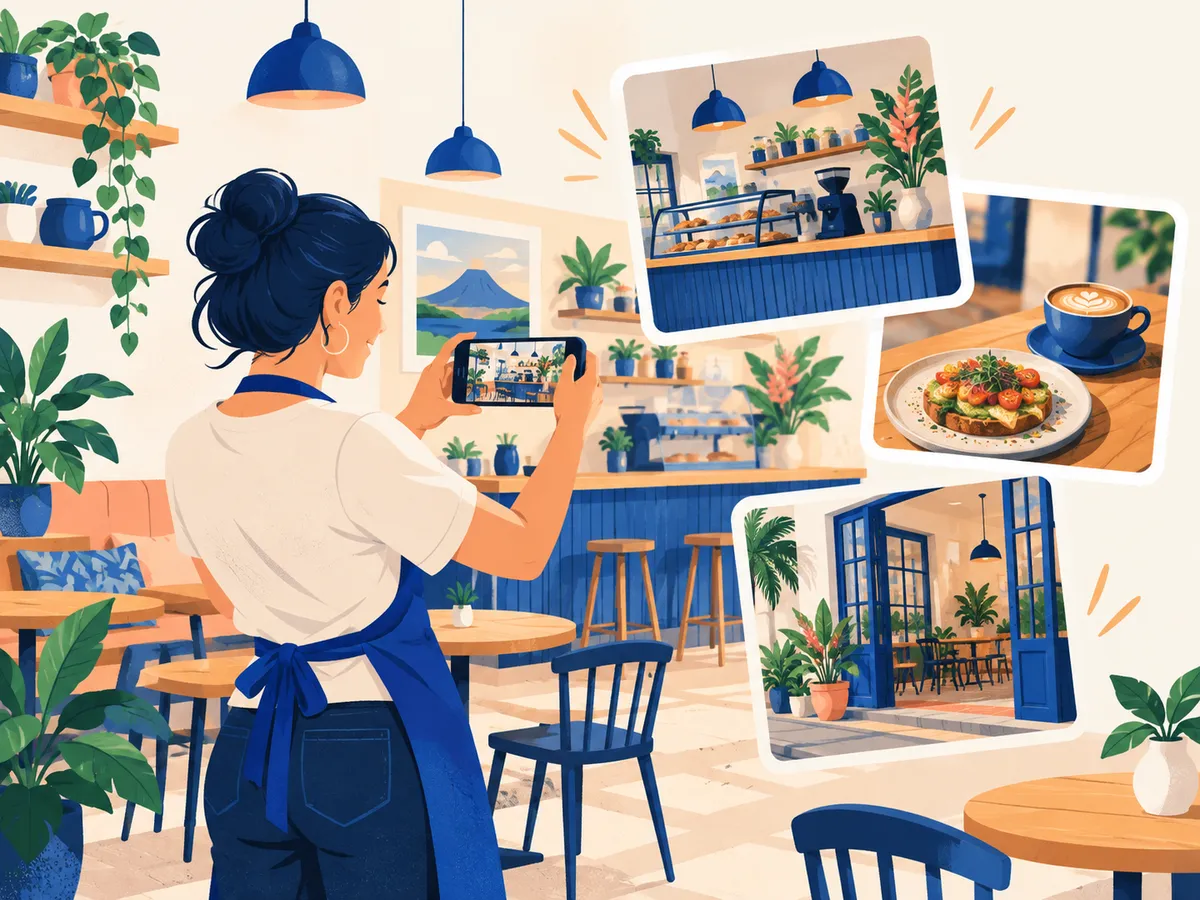
Photos are the first thing people look at. Upload your own, current photos:
- The storefront as seen from the street (it helps people find you).
- The inside, your team and your people at work.
- Your products or finished work.
- A logo and a cover photo.
Avoid stock photos: Google and customers recognize them. A simple, genuine photo beats a perfect one that isn't yours.
Step 7: keep it alive
A profile isn't something you set up once and forget:
- Reply to reviews, good and bad. See our guide to getting and responding to Google reviews.
- Post updates from time to time: a new product, special hours, an event.
- Answer questions people ask on your listing.
- Check suggested edits. Anyone can suggest a change to your listing (different hours, another phone number) and Google sometimes accepts it. Log in once a month and fix anything that's wrong.
Common mistakes
- Keywords in the business name.
- Using a virtual office or coworking address where you don't actually serve customers.
- Two profiles for the same location.
- Photos from the internet instead of your own.
- Offering discounts in exchange for reviews (against Google's rules).
- Leaving the profile under the name of someone who no longer works for the business.
If you have a profile and still don't show up, see why your business isn't showing on Google Maps.
Frequently asked questions
Does a Google Business Profile cost anything?
No. Creating and managing your profile is free. Google doesn't charge to appear in the organic map results; Google Maps ads are a separate product.
How long does verification take?
It depends on the method Google offers you. Video verification is usually resolved within a few days, although Google sometimes asks for more information. You can complete the rest of the profile in the meantime.
Can I have a profile if I work from home?
Yes, if you serve customers in person, for example at their homes. Set your business up as a service-area business and hide your home address.
Why don't I show up on the map if I already have a profile?
Google ranks local results by relevance, distance and prominence. A complete profile with reviews, photos and consistent information elsewhere competes better. If your category or location is wrong, you may not appear in searches where you should.
Want us to handle it?
Our Local SEO plan covers setting up and looking after your Business Profile, service or area pages on your website, and a monthly report. See our SEO prices or tell us about your business.
Rather talk first? Book a free video call or price your project.
Keep reading
 SEO in Costa Rica · November 4, 2026SEO for home services: plumbers, electricians, painters and buildersHow a plumber, electrician, painter, builder or technician in Costa Rica can win customers from Google: a service-area profile, reviews, service pages and photos of real jobs.
 SEO in Costa Rica · November 4, 2026My business isn't showing on Google Maps: causes and fixesThe most common reasons a business doesn't show up on Google Maps (verification, suspension, duplicates, category, location) and what to do about each one.
 SEO in Costa Rica · November 3, 2026SEO for real estate agencies in Costa RicaHow a real estate agency or agent in Costa Rica can attract buyers and renters from Google: area pages, property listings, buyer guides and international clients.