Google reviews: how to get them and respond without breaking the rules
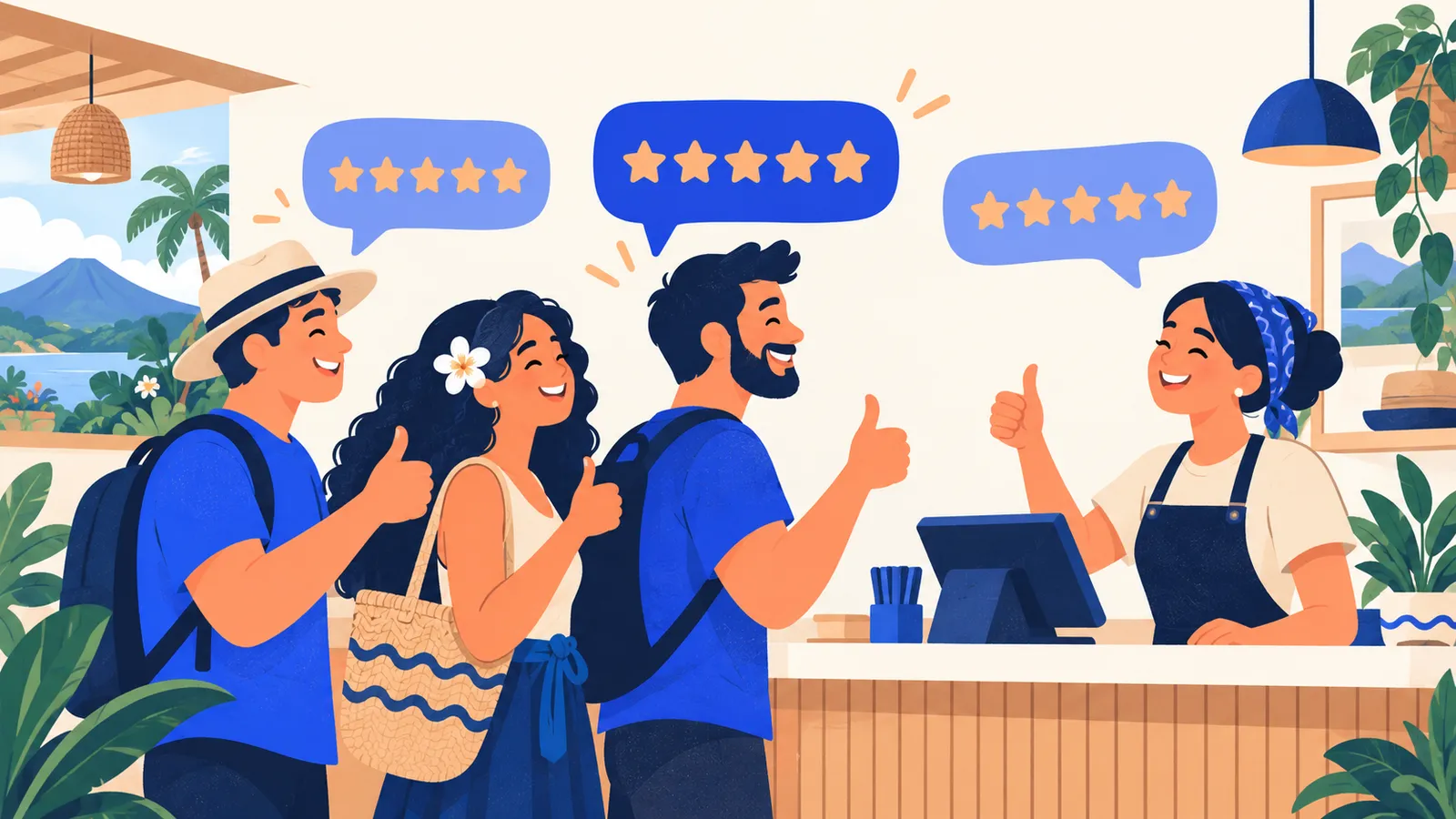
Before trying a restaurant, hiring a technician or booking a tour, most people read what other customers say on Google. Reviews affect two things at once: whether Google shows your business in local searches, and whether people choose to contact you once they see it.
The good news: getting more reviews doesn't require tricks. The bad news: many of the tricks that get passed around break Google's rules and can cost you the reviews you already have.
Why reviews matter for local SEO
Google ranks map results on three factors: relevance (does your business match the search), distance and prominence (how well known and well regarded it is). Reviews are one of the signals of prominence: how many, how recent and what they say.
The text matters too. If several customers mention "the best ceviche in Puntarenas" or "fixed my air conditioning the same day", those words help Google understand what you do and which searches you're relevant for.
Reviews are the other half of your Google Business Profile: a complete profile does little if nobody vouches for it.
How to ask for reviews (without being awkward)
Most happy customers don't leave a review because nobody asked, or because they don't know where to do it. Remove the friction:
- Get your direct link. Your Business Profile has an "Ask for reviews" option that gives you a short link opening the review window directly.
- Ask at the right moment: right after a good experience. When you hand back the repaired car, close a sale or say goodbye to a guest.
- Use the channels you already use. A WhatsApp message after the job works well in Costa Rica: "Thanks for trusting us. If you were happy with the service, a Google review would help us a lot: [link]".
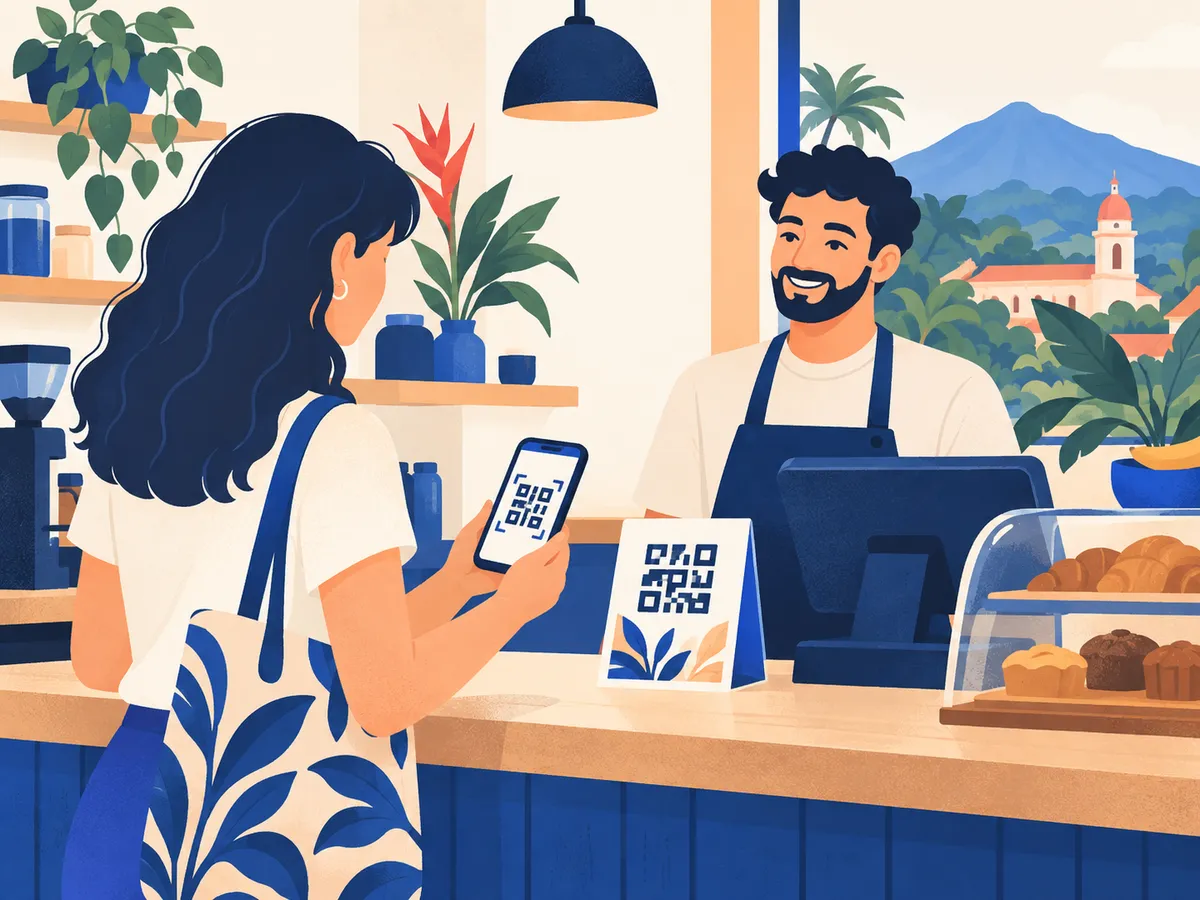
- Make it visible: a QR code at the counter, on the receipt or on your business card.
- Make it a team habit, not a one-week campaign. Recent, steady reviews are worth more than a sudden burst.
What Google prohibits
These practices break Google's content policies. If Google detects them, it can remove reviews, limit new ones or show a warning on your profile:
- Offering something in return: discounts, gifts, entries into a raffle. Even if you don't require a positive review.
- Only asking happy customers (filtering with a survey first and sending only the happy ones to Google).
- Reviews from employees, relatives or the owner.
- Buying reviews or swapping them with other businesses.
- Having customers write them on a device at your premises, such as passing them a tablet. Several reviews from the same network and device tend to get filtered.
Asking for reviews is allowed. Incentivizing, filtering or faking them isn't.
How to reply to positive reviews
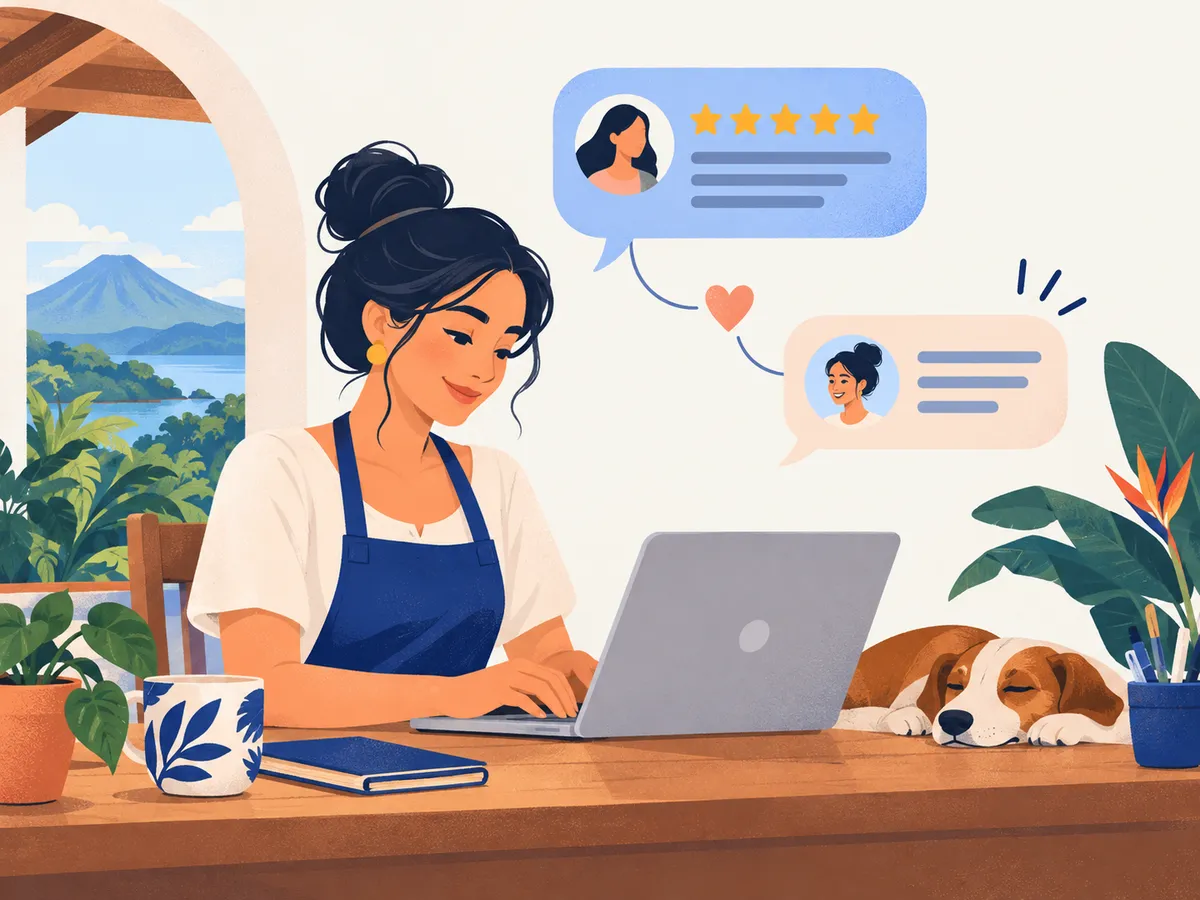
Replying shows there's a real person behind the business. Keep it short and personal:
- Thank them by name.
- Mention something specific they wrote.
- Invite them back.
"Thanks so much, Laura. We're glad the birthday cake arrived on time. We hope to see you for the next celebration!"
Don't paste the same reply everywhere: it shows, and it loses its effect.
How to reply to negative reviews
A well-handled negative review can build more trust than ten positive ones. Readers aren't looking for a perfect business; they're looking for one that responds when something goes wrong.
- Wait until you're calm before replying.
- Thank them and acknowledge the experience, without arguing details in public.
- Briefly explain what happened or what changed, if relevant.
- Move the conversation to private: offer a phone number or WhatsApp to sort it out.
"Carlos, we're sorry you had to wait so long on Saturday. We were short-staffed that day and have adjusted our shifts. We'd like to make it up to you: please message us on WhatsApp and we'll arrange it."
Never reveal personal details about the customer or their purchase or treatment, especially in health services.
What about fake or unfair reviews?
You can't remove a review just because it's negative. You can report it from your Business Profile if it breaks the policies: if it's from someone who was never a customer, if it's spam, if it contains insults or if it comes from a competitor. Google reviews it and decides.
In the meantime, reply calmly. Anyone reading will see your reply next to the review.
Frequently asked questions
Can I ask for reviews on WhatsApp?
Yes. Sending your review link by WhatsApp or email is allowed, as long as you ask all your customers and don't offer anything in return.
How many reviews does my business need?
There's no magic number. Compare yourself with the businesses that appear in your area for the same searches, and aim for a steady flow of new reviews.
Should I reply to every review?
Ideally, yes, even with one line on positive ones. Negative ones should always get a reply, and quickly.
Do Spanish and English reviews count the same?
Yes. If you serve tourists or expats, you'll get reviews in both languages. Reply in the language each review was written in.
Let us help you set it up
Our Local SEO plan includes looking after your Business Profile and a simple system for asking for reviews that your team can keep up. See our prices or get in touch.
Rather talk first? Book a free video call or price your project.
Keep reading
 SEO in Costa Rica · November 4, 2026SEO for home services: plumbers, electricians, painters and buildersHow a plumber, electrician, painter, builder or technician in Costa Rica can win customers from Google: a service-area profile, reviews, service pages and photos of real jobs.
 SEO in Costa Rica · November 4, 2026My business isn't showing on Google Maps: causes and fixesThe most common reasons a business doesn't show up on Google Maps (verification, suspension, duplicates, category, location) and what to do about each one.
 SEO in Costa Rica · November 3, 2026SEO for real estate agencies in Costa RicaHow a real estate agency or agent in Costa Rica can attract buyers and renters from Google: area pages, property listings, buyer guides and international clients.