SEO for online stores in Costa Rica: categories, products and your catalog
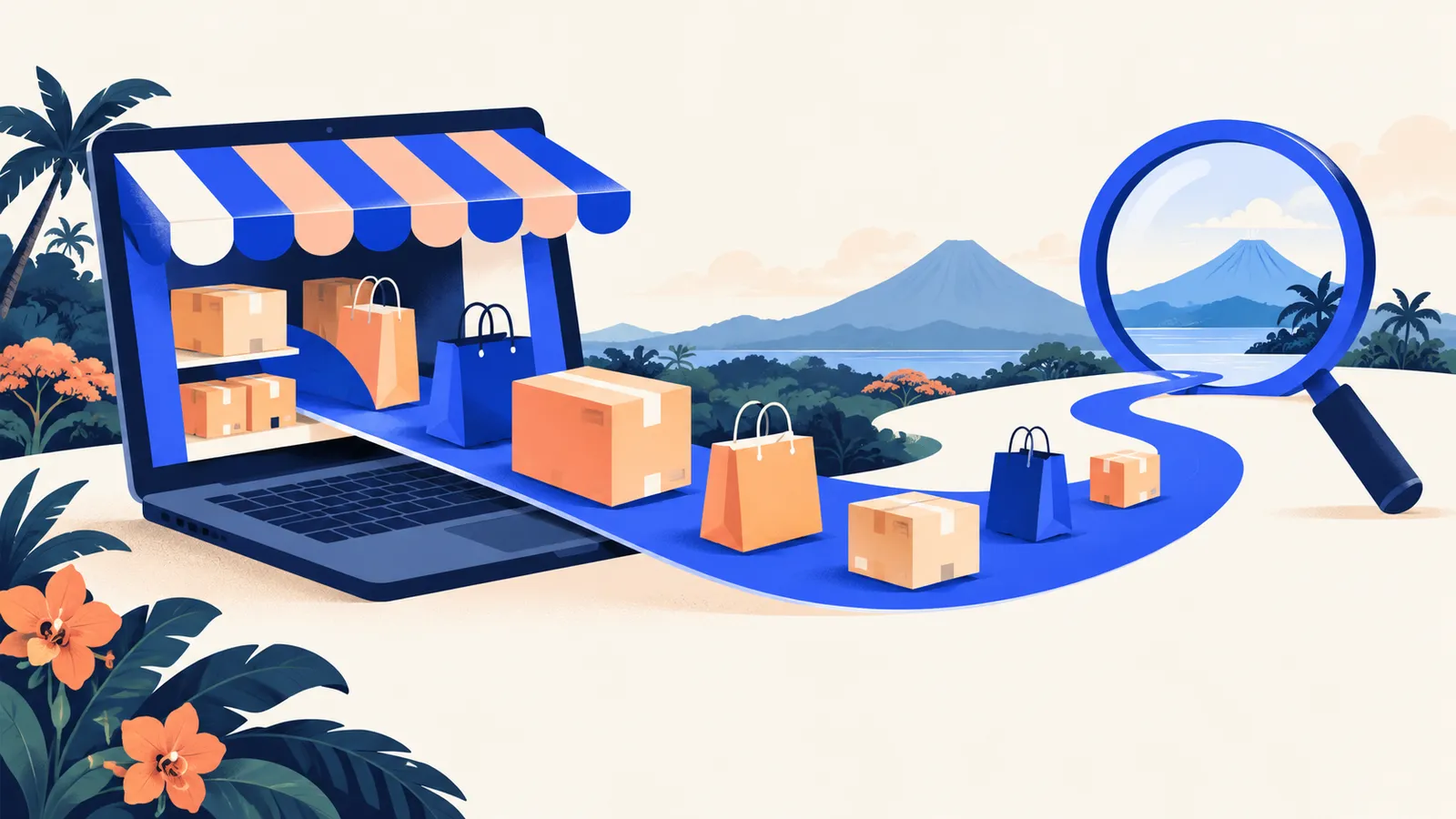
An online store has a challenge a service website doesn't: hundreds or thousands of pages that change every day. Products come and go, prices change, filters create endless combinations. If the structure isn't built with Google in mind, most of those pages never appear in a search.
This guide covers what moves the needle most for store SEO: category structure, product pages and the technical problems typical of catalogs. For market context, see also growing your ecommerce business.
Start with how your customers search
People search in two ways:
- Category searches: "women's hiking shoes", "Tarrazú coffee beans", "Hilux spare parts". Your category pages compete here.
- Product searches: a model, a brand, an exact reference. Your product pages compete here.
Category searches often have more volume and more buying intent than your home page. That's why, in most stores, category pages are the most valuable pages for SEO. Use your customers' vocabulary: in Costa Rica people search for "tenis" rather than "zapatillas", and "refri" as well as "refrigeradora". See Costa Rican Spanish words.
A clear category structure
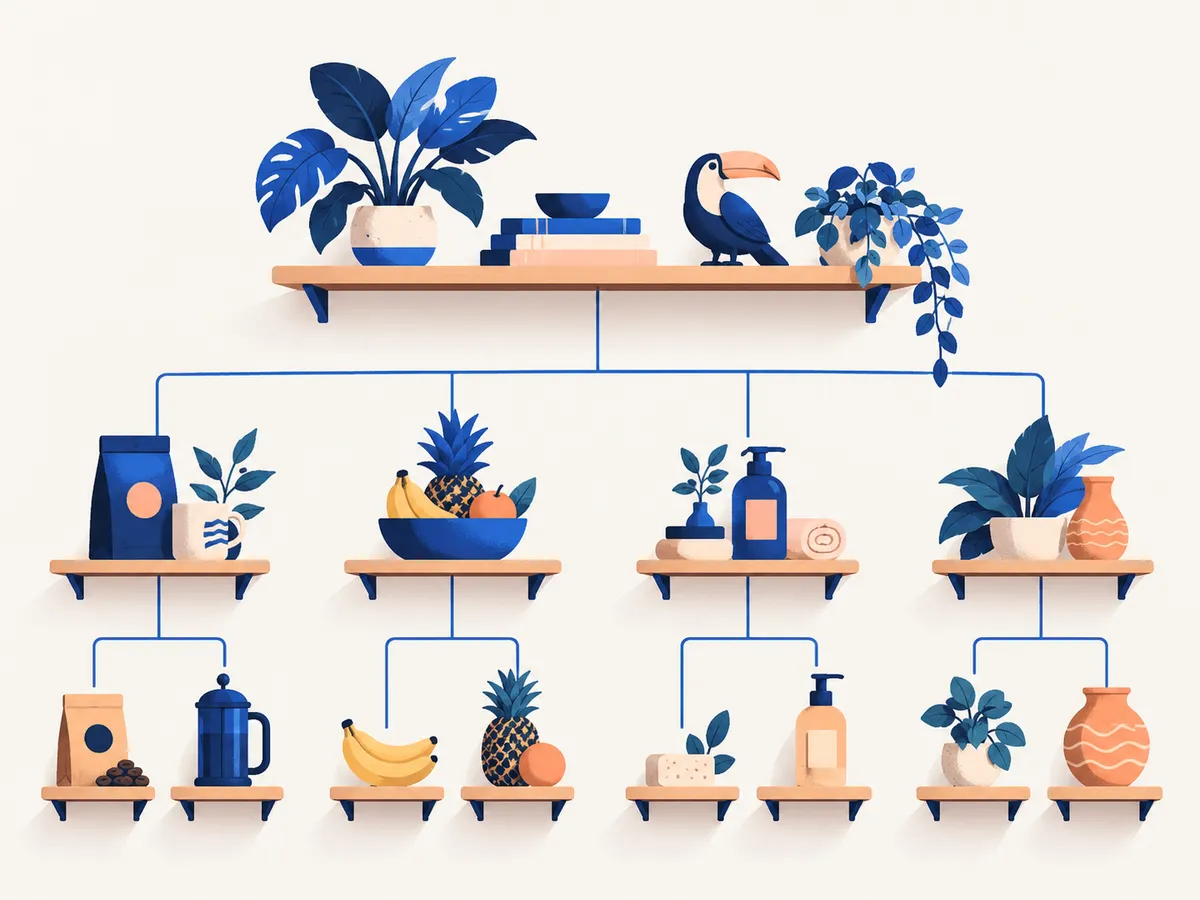
Think of your catalog as a tree with few levels:
- Home → Category → Subcategory → Product.
- Every product should be a few clicks from the home page.
- Each category answers a real search, with a clear name and a readable URL (
/coffee/beans, not/cat?id=184). - Avoid near-identical categories ("Deals", "Offers", "Discounts") that compete with each other.
Category pages that rank
A category that only shows a grid of products gives Google little to understand what it's about. Add:
- A title matching the main search.
- A short, useful text (above or below the products): what the category includes, how to choose, common questions. Written for the customer, not stuffed with keywords.
- Links to subcategories and related categories.
Product pages that sell and get found
Each product page is a chance to show up and to convert:
- Original descriptions. Copying the manufacturer's description makes your page identical to dozens of other stores. Add what you know: who it's for, how it's used, how it compares.
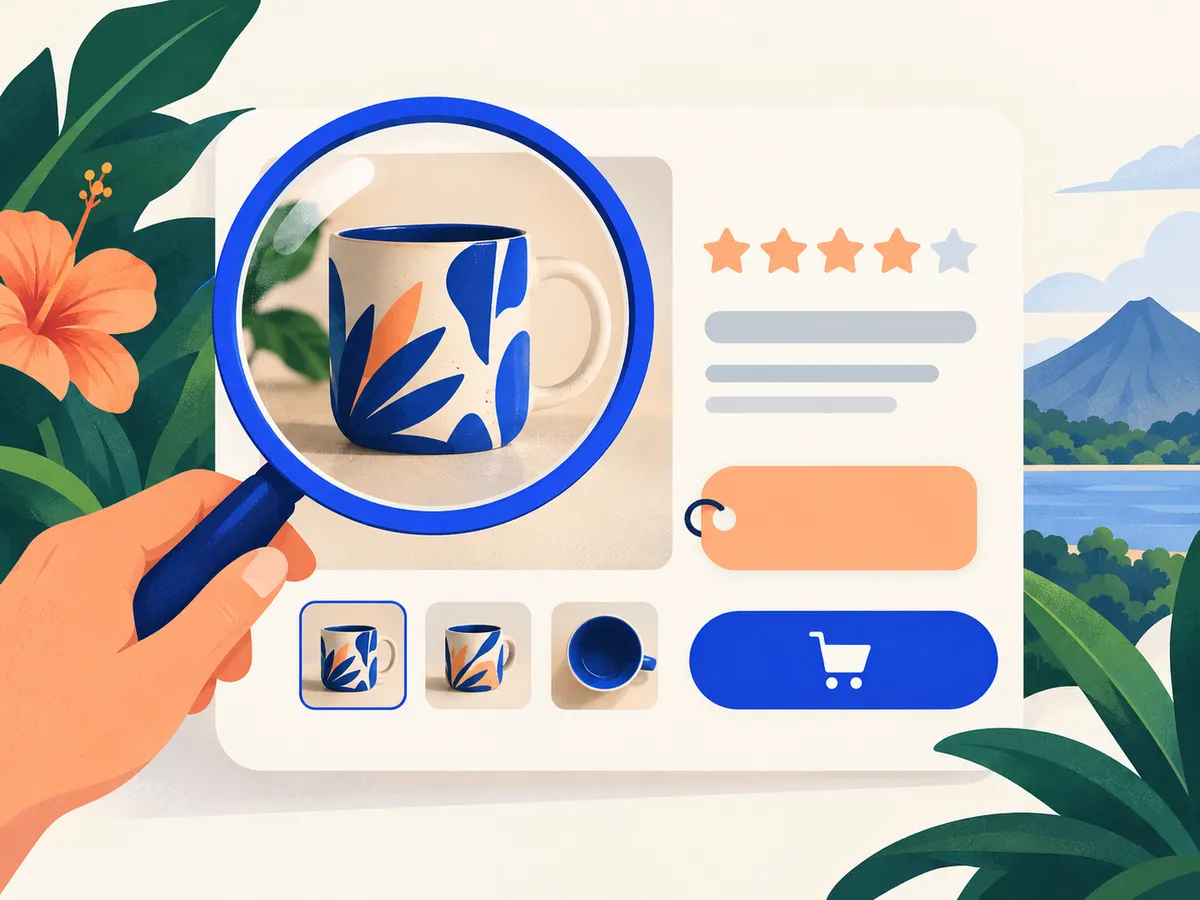
- Good-quality photos from several angles, with descriptive alt text (for example, "Hand-painted ceramic mug, blue, 350 ml").
- Clear price, availability, shipping and payment methods. In Costa Rica, mentioning SINPE Móvil and delivery times by province reduces doubts.
- Customer reviews, if your platform supports them.
- Product structured data (Product and Offer): it helps Google show price, availability and stars in the results. Platforms like Shopify or WooCommerce generate it, but check that it's complete and that the price is in the right currency.
Typical catalog technical problems
Filters and sorting that multiply URLs
Filters (size, color, price) and sorting options often create a new URL for every combination. To Google, that's thousands of near-identical pages wasting its attention. Decide which combinations deserve their own page (for example, "women's running shoes", if people search for it) and keep the rest out of the index, with canonical tags or by blocking parameters that add nothing.
Out-of-stock products
- Temporarily out of stock: keep the page live, say it's out of stock and, if you can, when it's back or what the alternative is.
- Discontinued: redirect (301) to the new version or the closest category, instead of leaving a 404 error.
Duplicate products
The same product in several categories shouldn't have several different URLs. If your platform generates them, the canonical tag should point to a single one.
Speed
Stores load lots of images and third-party apps. Compress images, use modern formats like WebP and review which plugins you actually use. More in website speed.
Content that attracts buyers
A store blog works when it answers pre-purchase questions: "how to choose a coffee maker", "what bike size do I need", "what to pack to hike Chirripó". Those articles link to the right categories and products, and attract people who don't know your brand yet.
Frequently asked questions
Which platform is best for SEO?
Shopify, WooCommerce and other serious platforms all allow good SEO. How it's configured (URLs, categories, filters, speed) matters more than the platform itself.
Should I write a description for every product?
Ideally, yes, at least for your most important products. Start with your best sellers or the most searched, and work through category by category.
How long does it take to see results in a store?
It depends on the catalog size and the starting problems. Technical fixes usually show once Google recrawls the pages; category growth takes several months of steady work.
Let us help with your catalog
Our Ecommerce SEO plan starts with a catalog audit and works on category structure, product pages and indexing. See our prices or tell us about your store.
Rather talk first? Book a free video call or price your project.
Keep reading
 Online Marketing · November 4, 2026How to measure SEO results: the metrics that matterWhich metrics show whether SEO is working: visibility, clicks, visits, enquiries and sales. How to measure them with Search Console and Analytics, and what to expect month by month.
 Online Marketing · November 3, 2026A website in Spanish and English: how to do bilingual SEO in Costa RicaHow to set up a site in Spanish and English so Google shows each person the right language: a URL per language, hreflang, adapted (not just translated) content and English searches.
 Online Marketing · November 3, 2026How to do keyword research step by step (with free tools)How to find the keywords your customers in Costa Rica use, understand search intent and choose which ones to focus on, using free tools.